Case study 03 · Home fibre & Wi-Fi · Pessac
The fibre worked downstairs; the home office upstairs did not
Solving weak upstairs connectivity in a renovated family home without relying on a chain of consumer repeaters.

The problem: a good speed test in one room, frustration everywhere else
A family in Pessac had moved to a fibre plan after one adult began working from home several days a week. The provider’s router was installed near the ground-floor entry point, where the fibre entered the property. A speed test beside the router looked healthy, but the upstairs office sat behind a stairwell and several thick masonry walls. Video calls sometimes became unstable, large work files took longer to synchronise, and a child’s gaming connection competed with household streaming in the evenings.
The family had tried moving the router and adding a retail Wi-Fi repeater. Moving the router was constrained by the fibre termination location, and the repeater improved one corner while creating another network name and inconsistent results elsewhere. This was not a question of the advertised fibre speed alone. A wireless signal has to travel through the building, and building materials, distance, interference and device placement all affect the usable connection. The family wanted dependable service in the office and bedrooms while keeping the installation tidy and understandable.
Investigation: map the home and the actual work pattern
The assessment started with a conversation about how the rooms were used. The office needed stable video calls and access to shared work files; bedrooms needed everyday browsing, while entertainment devices were concentrated downstairs. The technician then measured coverage at the places where people actually used devices, including the office desk rather than the centre of the room. A walkthrough checked signal quality and available channels at different times, and the existing router and repeater locations were recorded.
The measurements showed that the upstairs weakness was consistent with the building layout. The router sat at one edge of the home, and the stairwell did not provide a clear radio path to the office. The repeater was placed where it received an already weakened signal, so it could not reliably create strong coverage beyond it. The family’s work laptop also supported a wired connection, making a stable cable to the office a practical option. A direct wired backhaul would avoid asking one wireless hop to both receive and relay traffic through masonry.
The team inspected possible cable routes, considered where a small access point could be installed discreetly and checked that the proposed work would avoid visible disruption to finished rooms. The family preferred an installation that could be maintained by a future technician and did not want equipment hidden in an inaccessible ceiling. This helped define a proportionate scope: prioritise the home office, improve upstairs coverage, and keep the existing fibre service and router where they were unless testing showed a separate fault.
The resolution: give the office a wired path and place Wi-Fi deliberately
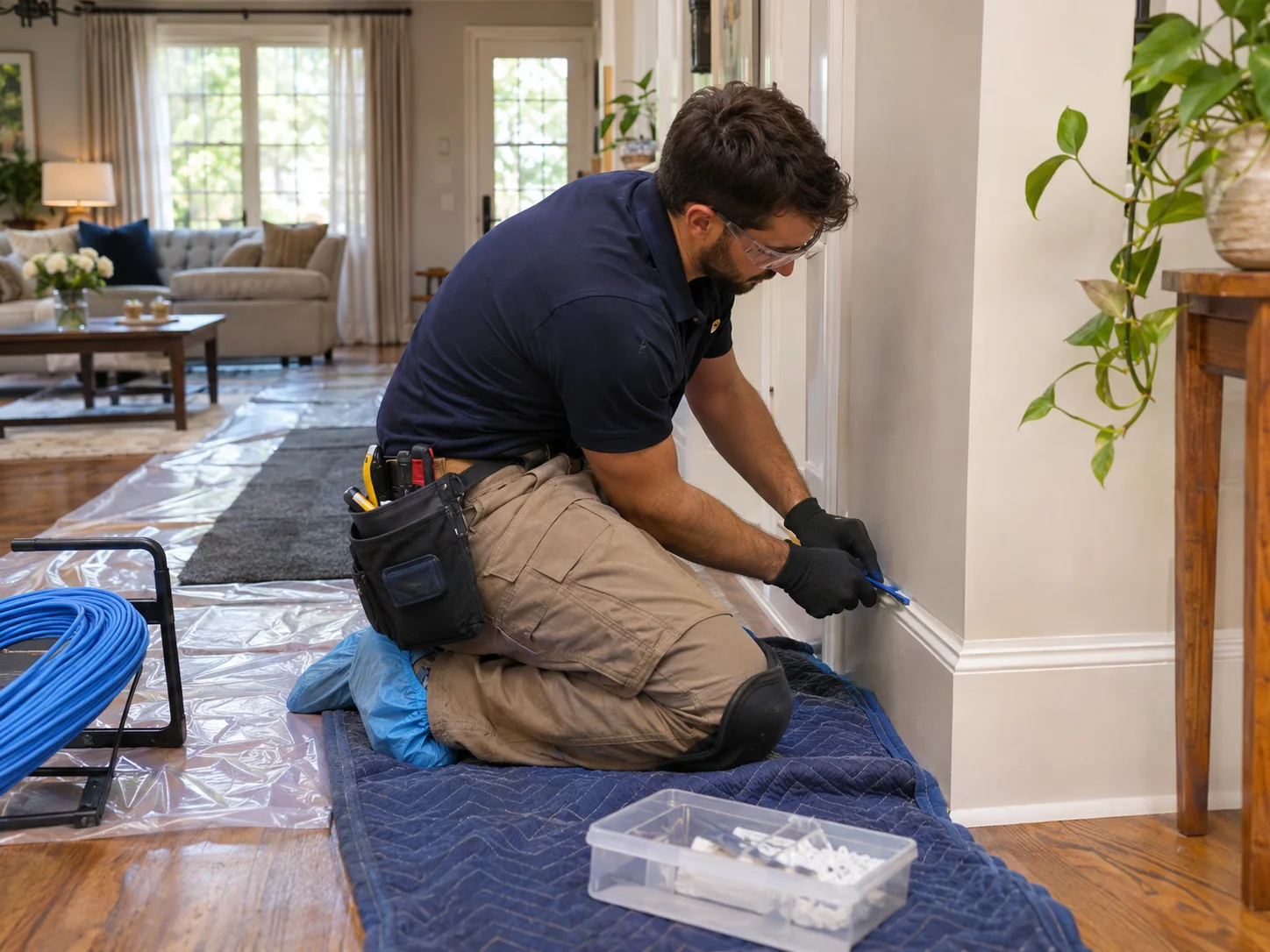
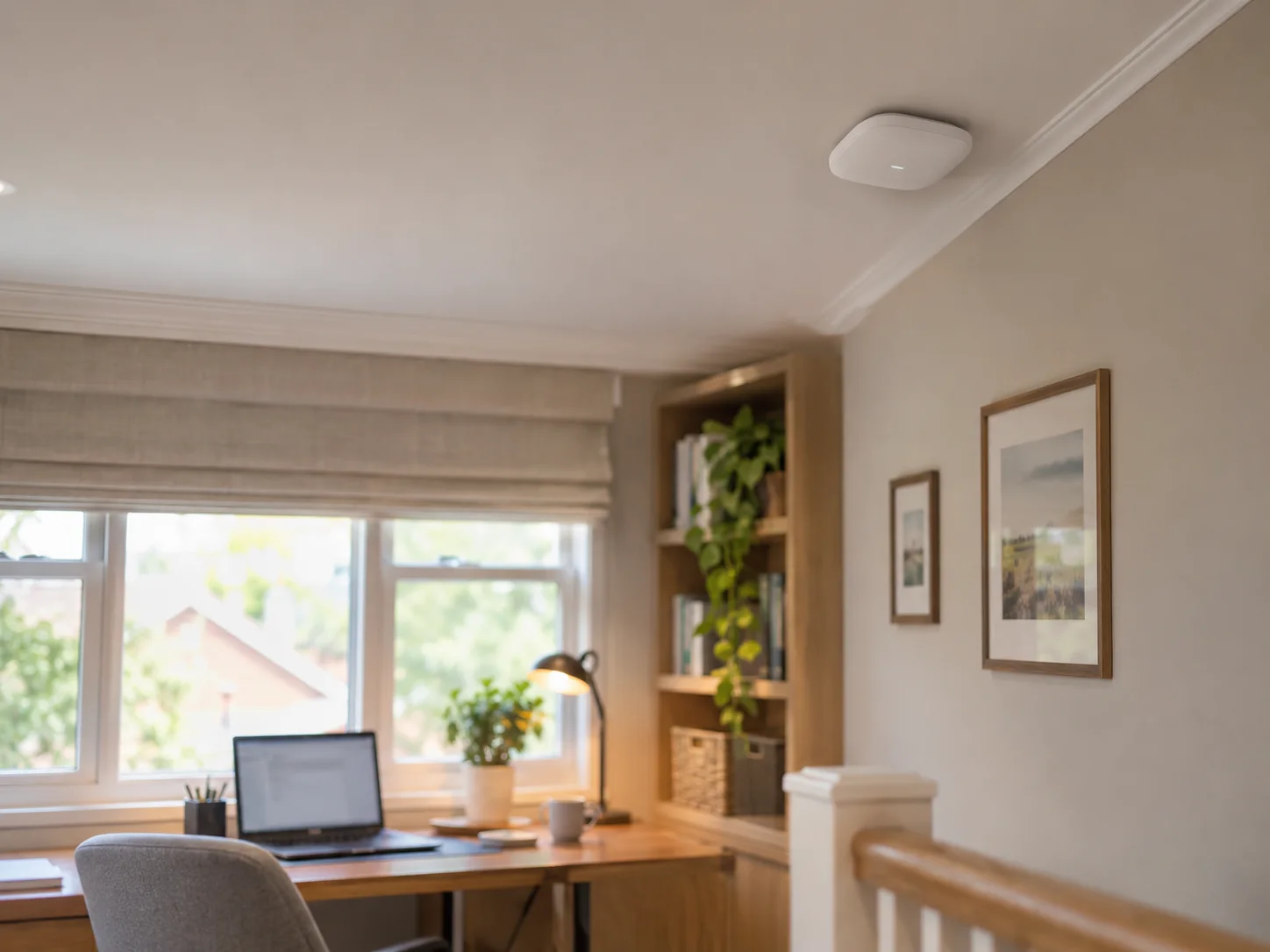
The final design used a discreet Ethernet route from the router area to the upstairs distribution point. The work was planned with the occupants so that the cable followed a practical route with minimal visible impact. A compact access point was then positioned to serve the upstairs rooms, connected over that wired link rather than through a wireless repeat. The work laptop could use Ethernet directly when stable call quality was essential, while phones and other household devices continued to use Wi-Fi.
After installation, the technician tested the new cable, confirmed that the access point received a stable uplink and repeated the coverage walk in the office and adjacent rooms. The family checked a video call from the desk and tested everyday browsing where the repeater had previously struggled. Network names and passwords were reviewed so the household knew which network to use and how to reconnect devices if needed. The handover explained where the new cable ran, where the access point was powered and how to contact the installer if the room layout changed.
Importantly, the solution avoided making promises based on a single speed result. A short speed test is affected by the server selected, the device, current traffic and the provider’s service. The agreed measure was whether the office had a reliable wired connection and whether wireless remained usable in the priority rooms during normal family use. That practical definition made the improvement meaningful to the people who depended on it.
Outcome and advice for homes with difficult layouts
In this illustrative scenario, the home office gained a direct wired path, and the family described more predictable calls and fewer dropouts in the upstairs rooms included in the survey. The installation also replaced an informal repeater arrangement with a documented access point location. The result reflects the specific house, devices and use patterns; a different building may need a different design.
The family also kept a short record of the new arrangement: which wall outlet served the office, where the access point was mounted and which device used the direct connection. That small handover made it easier to reconnect equipment after furniture was moved and reduced the chance that a future troubleshooting attempt would unplug the wrong device. In homes, practical ownership matters: residents should know which box belongs to the internet provider, which equipment distributes their own network and how to restart it safely without disturbing the fibre termination.
Homeowners facing similar problems should begin by identifying the rooms and activities that matter most. Test near the router and at the working location, then consider whether the obstacle is service speed, wireless coverage, interference or the endpoint device. A mesh kit can help when a wired route is impractical, but every wireless hop depends on a sufficiently good link to the previous node. A wired access point or direct connection is often more predictable for a fixed office desk. Placement should be deliberate, installation routes should respect the building, and the final test should be performed where the connection is actually used. The best home network is not the one with the most equipment; it is the one that quietly supports the household’s real routines.
Making the improvement easy for the household to live with
The family agreed a simple ownership plan during handover. The router remained the point of contact for the internet provider, while the new access point provided upstairs wireless coverage and the office outlet served the fixed work laptop. A short label near the equipment described those roles without exposing passwords. The occupants were shown which status lights were normal and which basic checks were safe before contacting support. This reduced the temptation to reset every device when only one room was affected, which can otherwise erase useful settings and make diagnosis harder.
They also agreed how to evaluate future changes. Moving a desk, adding a large television or changing the upstairs room into a nursery could affect where wireless service was needed most. The family would retest the office desk and the two priority bedrooms after any significant rearrangement, rather than judging the network from a phone in the hallway. If performance changed, they would note the device, room and activity, then compare a wired and wireless test where possible. This separates a room-coverage issue from a single-device or application problem.
Homes differ in wall construction, floor layout, neighbouring radio activity and the locations where the provider can terminate fibre. For that reason, the case is a method rather than a universal equipment prescription. Start with a map of daily use, measure at real work positions, and decide whether a wired connection is feasible before buying a series of repeaters. A planned cable route and modestly placed access point can be less visually intrusive and easier to maintain than several devices competing to extend a weak signal. Agree expectations around coverage and test them in the rooms that matter to the household.
Photo briefs
Illustrative AI-generated images based on each scenario; these are not verified client photographs.