Case study 04 · Security & access control · Bordeaux
Reliable cameras start with power, network design and a usable handover
Planning a small-business camera installation after blind spots and unreliable viewing undermined an existing system.
The problem: cameras existed, but the owner could not rely on them
A small business in Bordeaux had installed cameras over time as the premises changed. The owner could view several feeds from a phone, but two cameras intermittently disappeared, recordings were difficult to retrieve and the entrance area had a blind spot after a counter was repositioned. One exterior camera depended on a long cable route exposed to weather, while another shared a congested network connection with office devices. The business did not want simply to buy more cameras; it needed to know whether the system could provide useful, dependable coverage.
Security projects involve more than the visible camera. Image quality depends on viewpoint, lighting and the area being observed. Reliability depends on power, cabling, network capacity, recording configuration and maintenance. A camera that records an attractive wide view may not capture enough detail at the point where identification matters. In addition, a business must consider privacy, access permissions and the purpose for which footage is retained. The owner therefore asked for a review that addressed both technical reliability and practical operation.
Investigation: define the purpose of each view before adding hardware
The review began with a walk-through of entrances, customer areas, delivery access and the locations where incidents had occurred. The owner identified which events the system was intended to help review and who needed access to live and recorded footage. The team documented existing camera positions, power sources, cable paths and recording equipment, then tested whether each camera remained reachable and whether recordings could be found using the current interface.
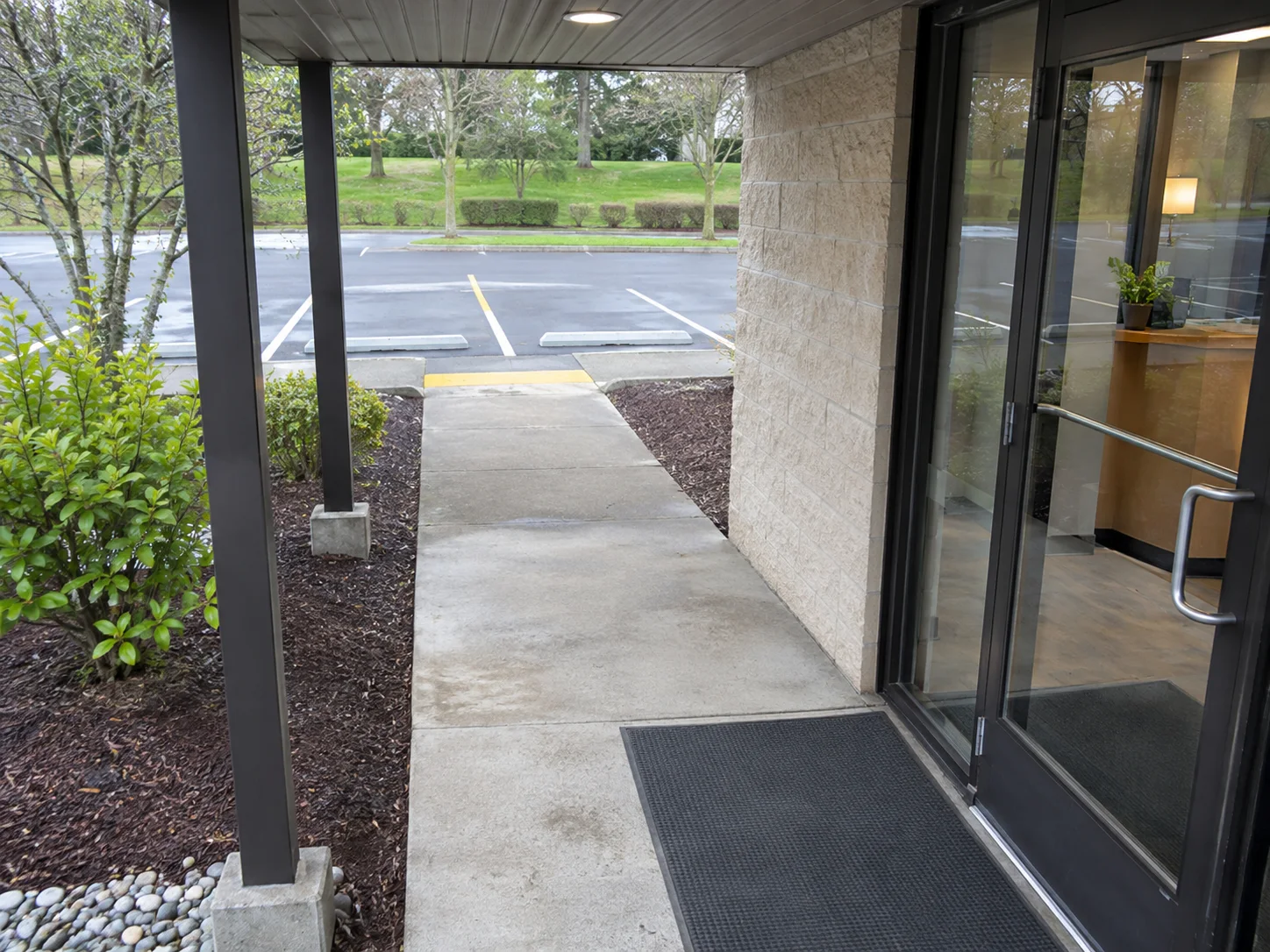
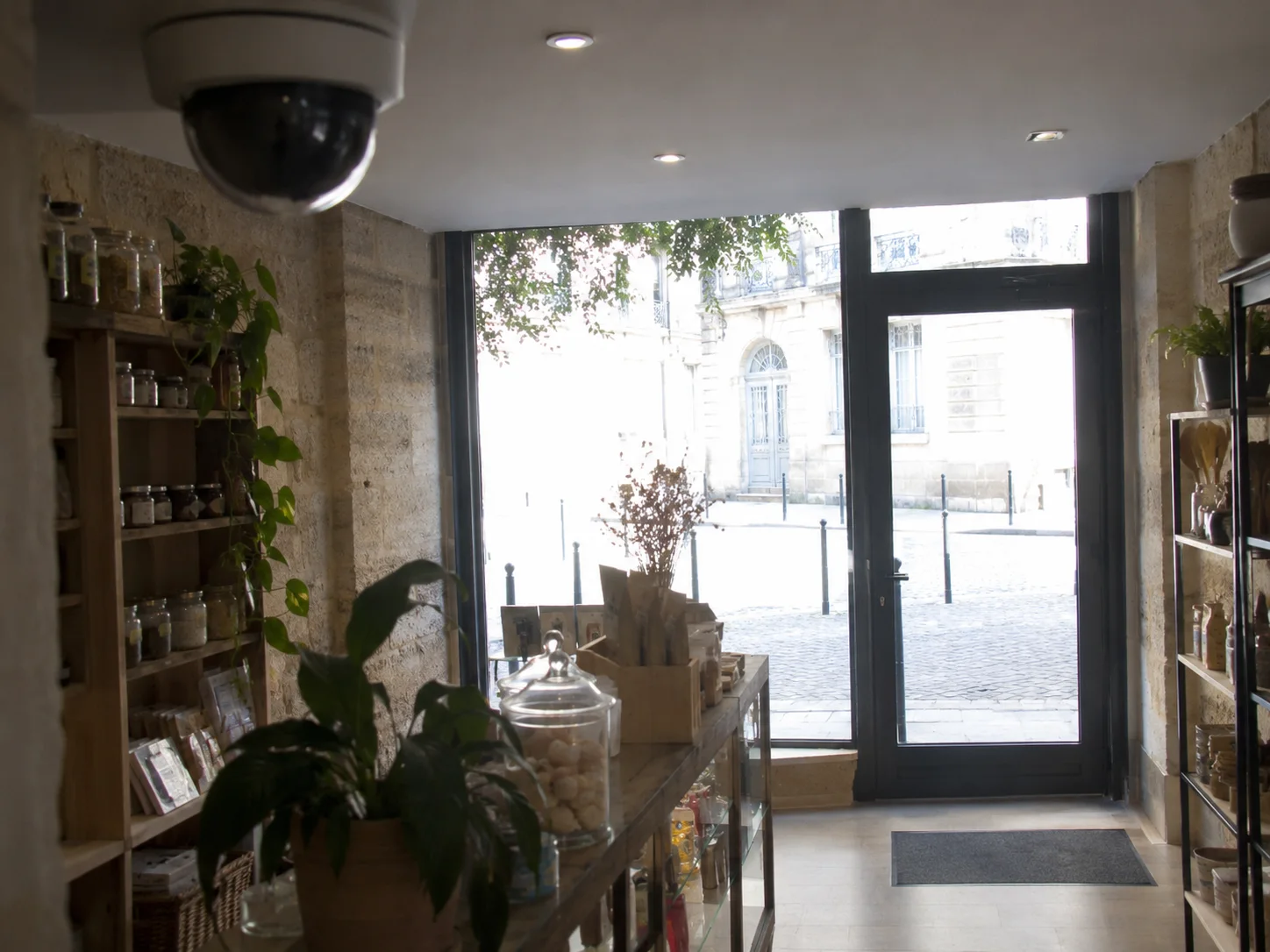
Several issues emerged. One feed dropped when the cable connection was disturbed near a storage doorway. A second camera pointed across a bright window, making faces difficult to distinguish at certain times of day. The entrance view was partially obstructed by a newly installed display. The recording unit and camera network were connected through equipment that had never been clearly mapped, so a brief network change could interrupt viewing without an obvious explanation. The owner also could not readily explain how long footage was kept or which staff accounts could access it.
Rather than proposing blanket surveillance of the premises, the team used the owner’s stated purposes to identify priority views and avoid unnecessary capture. The plan accounted for lighting at different times, the need to protect cable routes and a secure location for recording equipment. The business was advised to confirm its privacy and signage obligations for its circumstances; installation planning is not a substitute for legal advice or a formal data-protection assessment.
The resolution: secure the infrastructure and validate useful views
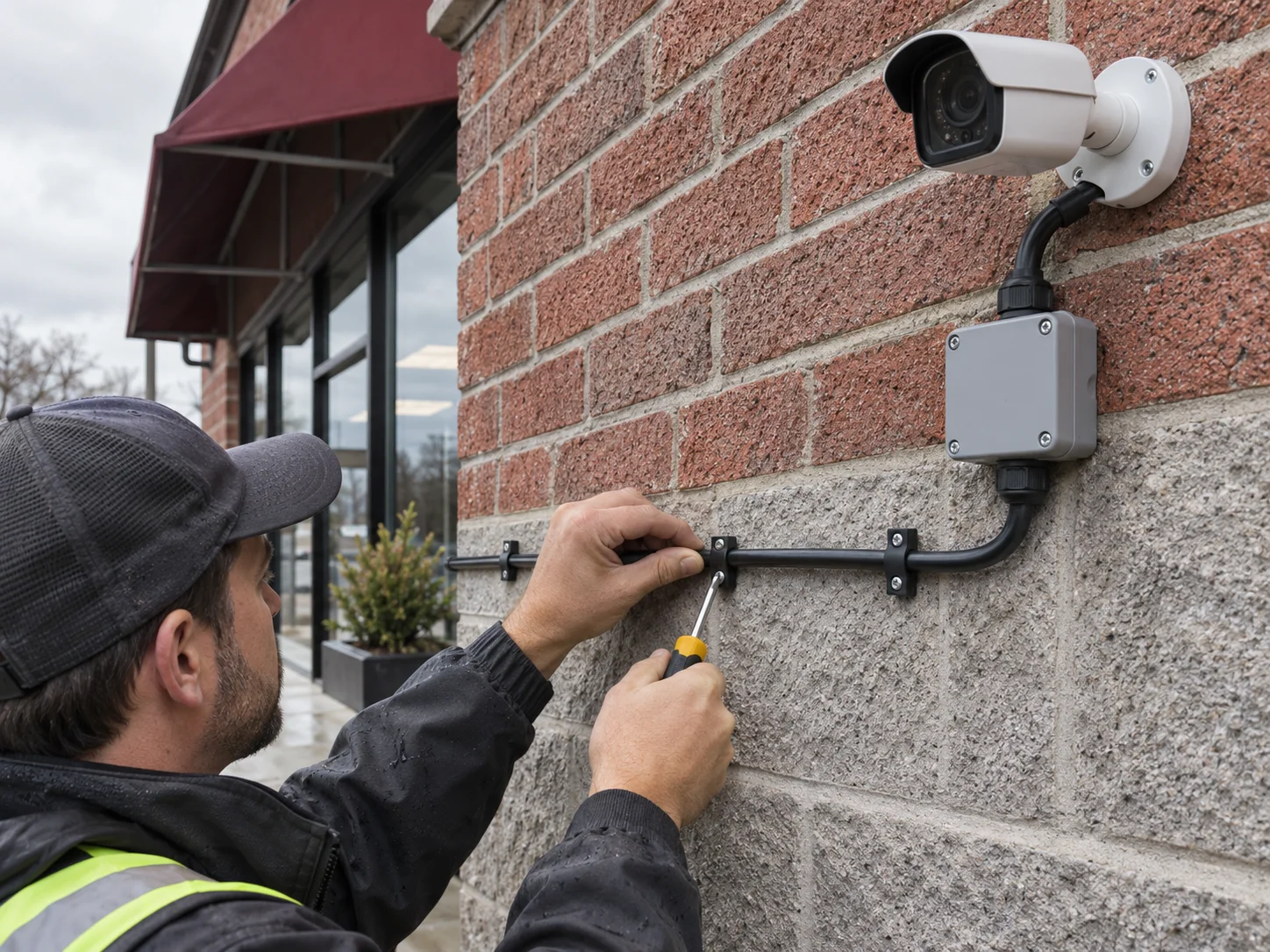
The agreed changes addressed the weak links before adding coverage. The vulnerable cable route was replaced or protected as appropriate to its location, connections were labelled, and the camera network’s path to the recording equipment was documented. The entrance camera was repositioned to reduce obstruction and improve the view of the relevant approach. Where a view was affected by strong backlight, the framing and camera settings were reviewed at the time of day when the issue was most visible.
The recording equipment was placed in a more controlled location with a known power and network connection. Access accounts were reviewed with the owner, and staff were shown the basic steps for finding an event, exporting footage when authorised and reporting a camera that had gone offline. The team verified each live feed and confirmed that the recording system retained and retrieved sample footage according to the business’s agreed configuration. A practical handover recorded camera names, views, cable routes and the responsible contact for future maintenance.
Acceptance was based on useful outcomes rather than camera count. The owner reviewed a live view from the entrance and checked a recorded sample from a normal business period. The installer also confirmed that cameras remained reachable after a controlled network check. No system can guarantee prevention of incidents or identification in every circumstance; the purpose was to improve visibility and make the equipment more dependable for the defined operational needs.
Outcome and ongoing responsibilities
In the illustrative case, the business ended with documented camera locations, more stable connections on the affected feeds and a repeatable process for reviewing recordings. Staff understood which views served which purpose and who was authorised to use the system. The owner also had a clearer list of maintenance points instead of relying on an informal collection of devices.
The handover included a sensible review trigger: changes to the entrance, counter layout, lighting or network equipment should prompt a check of the relevant camera view. A camera can remain online while its usefulness quietly declines because a sign, shelf or seasonal display enters the frame. Periodic review helps the business confirm that the system still serves the documented purpose, that accounts remain appropriate and that the equipment is functioning as expected. Any operational review should continue to respect privacy boundaries and the organisation’s documented retention practices.
For other small businesses, begin with the questions the system must answer. Walk the premises at relevant times of day, consider lighting and obstructions, and select camera views that are proportionate to the purpose. Inspect power and cabling, plan the network and recording path, and test both live viewing and retrieval of recorded material. Keep equipment and account access documented, use strong credentials and review access when staff roles change. Decide retention and privacy practices with appropriate professional guidance. The technical installation is only one part of responsible security: a carefully positioned camera with a protected cable, working recording path and clear operating procedure is more useful than a larger system that nobody can confidently maintain.
A maintenance routine that protects usefulness and privacy
The business made the review part of its normal premises check. A designated manager now confirms that each camera still shows the area named in the system record, that the lens is clean and unobstructed, and that the recording unit reports a healthy connection. A sample recording is retrieved at an agreed interval so the business does not discover a storage or playback problem only after an incident. The review is recorded with the date and any action taken; it does not require staff to watch footage without a defined business reason.
Access is treated as operational responsibility. Individual accounts are preferable to a shared password where the equipment supports them, and permissions are removed when a staff role changes. The owner keeps credentials in an appropriate secure system rather than on a label beside the recorder. When footage must be exported, the authorised person records the reason and handles the file according to the organisation’s procedures. Retention settings and signage should be reviewed with qualified guidance for the business’s particular context; a technician can explain system controls but cannot determine legal compliance on the client’s behalf.
Other businesses can use this case to build a focused specification before buying equipment. Describe the event each view should help review, the lighting and distance involved, who will access recordings and how the system will be maintained. Check cable protection, power and network paths alongside camera placement. At acceptance, test the live view and retrieve a recording from the actual interface the owner will use. A system is only operationally useful when its views remain relevant, its recordings can be found, and people understand both their access responsibilities and the limits of what the cameras can establish.
Photo briefs
Illustrative AI-generated images based on each scenario; these are not verified client photographs.